
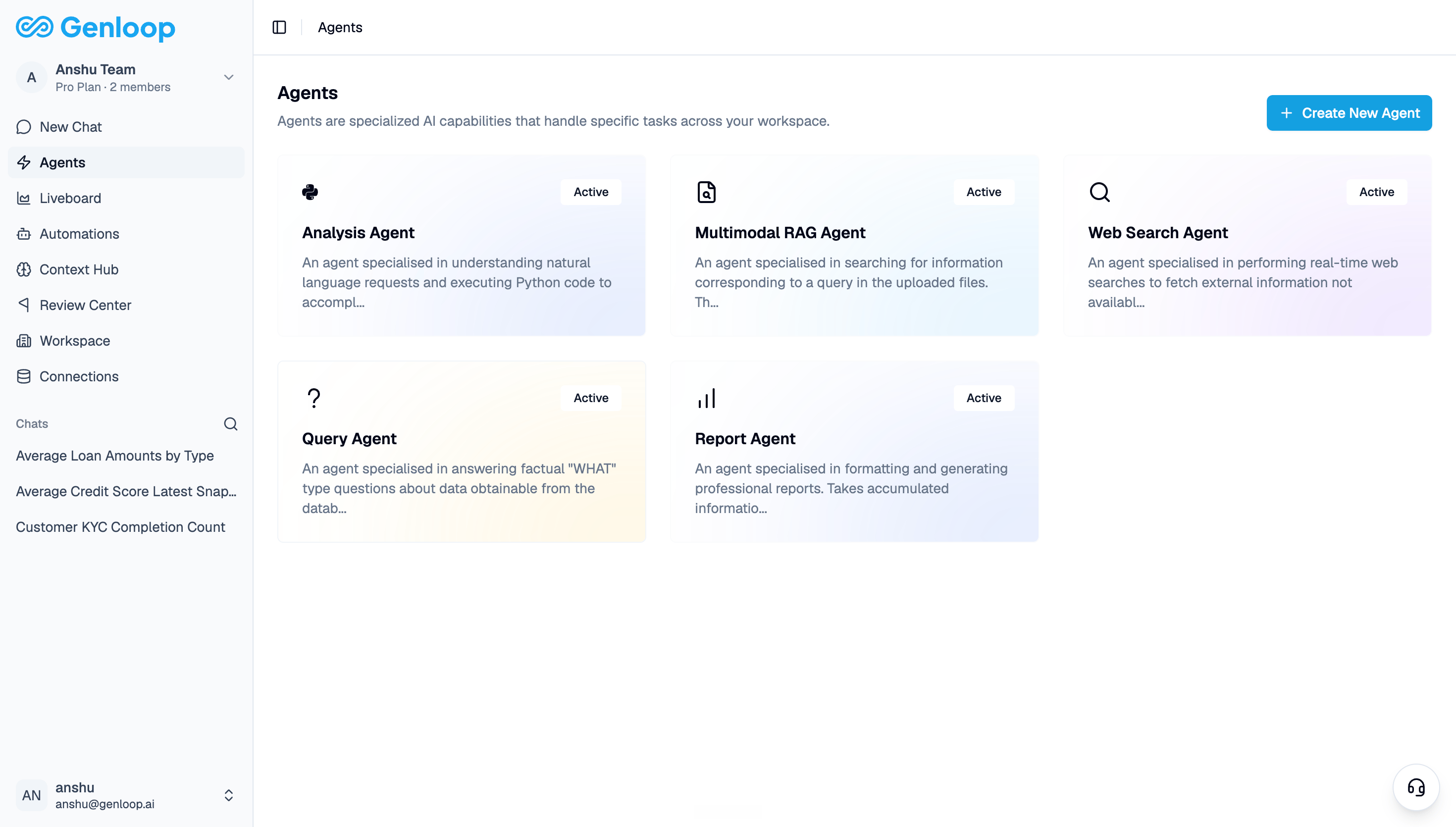
What agents do
Each agent is built for a specific job:- Query Agent answers factual questions about your data — counts, averages, distributions, and comparisons pulled directly from your connected tables.
- Analysis Agent handles more complex requests that involve running Python code or multi-step reasoning across your data.
- Multimodal RAG Agent reads your uploaded documents — PDFs, policy files, playbooks — and answers questions based on their content.
- Web Search Agent fetches information from the web to answer questions that go beyond what is in your data.
- Report Agent handles report generation and powers scheduled reports in Automations.
Creating custom agents
Custom agent creation is coming to the platform. You will be able to build and configure agents specific to your workflows directly from this page.Agents are workspace-level. Every member of your workspace has access to the same set of active agents.