
Personal emails aren’t supported. Genloop uses your work domain to group your team’s workspaces automatically.
Create your workspace
After signing up, Genloop asks you to name your workspace. This becomes your team’s shared space — it holds your data connections, context, and chat history.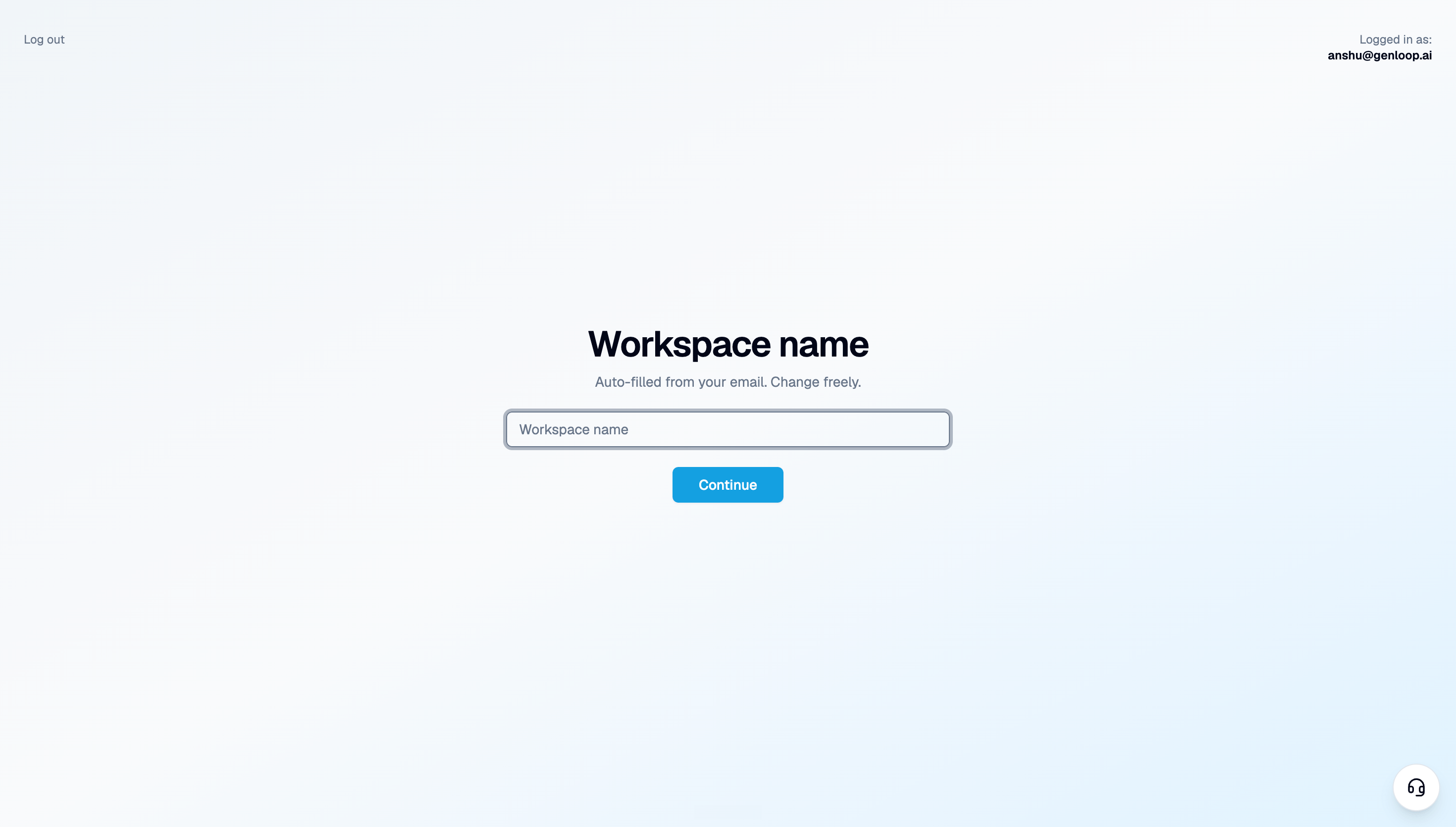
Two workspaces, two purposes
Once you’re in, you’ll have access to two separate workspaces: Demo workspace — preloaded and ready immediately. Every Genloop account comes with one. It’s a permanent sandbox where you can explore the platform, test questions, and see how Genloop reasons — without touching your real data. Your workspace — the one you just named. This is where you connect your actual data and start getting answers that matter to your business.Explore the demo workspace
No setup needed. See Genloop in action on a preloaded dataset in under a minute.
Connect your own data
Connect a database or upload a file. Genloop builds context on your data and your workspace is live.