
Start in Chat
Chat is your main workspace in Genloop. Type a question in plain English — Genloop figures out the rest.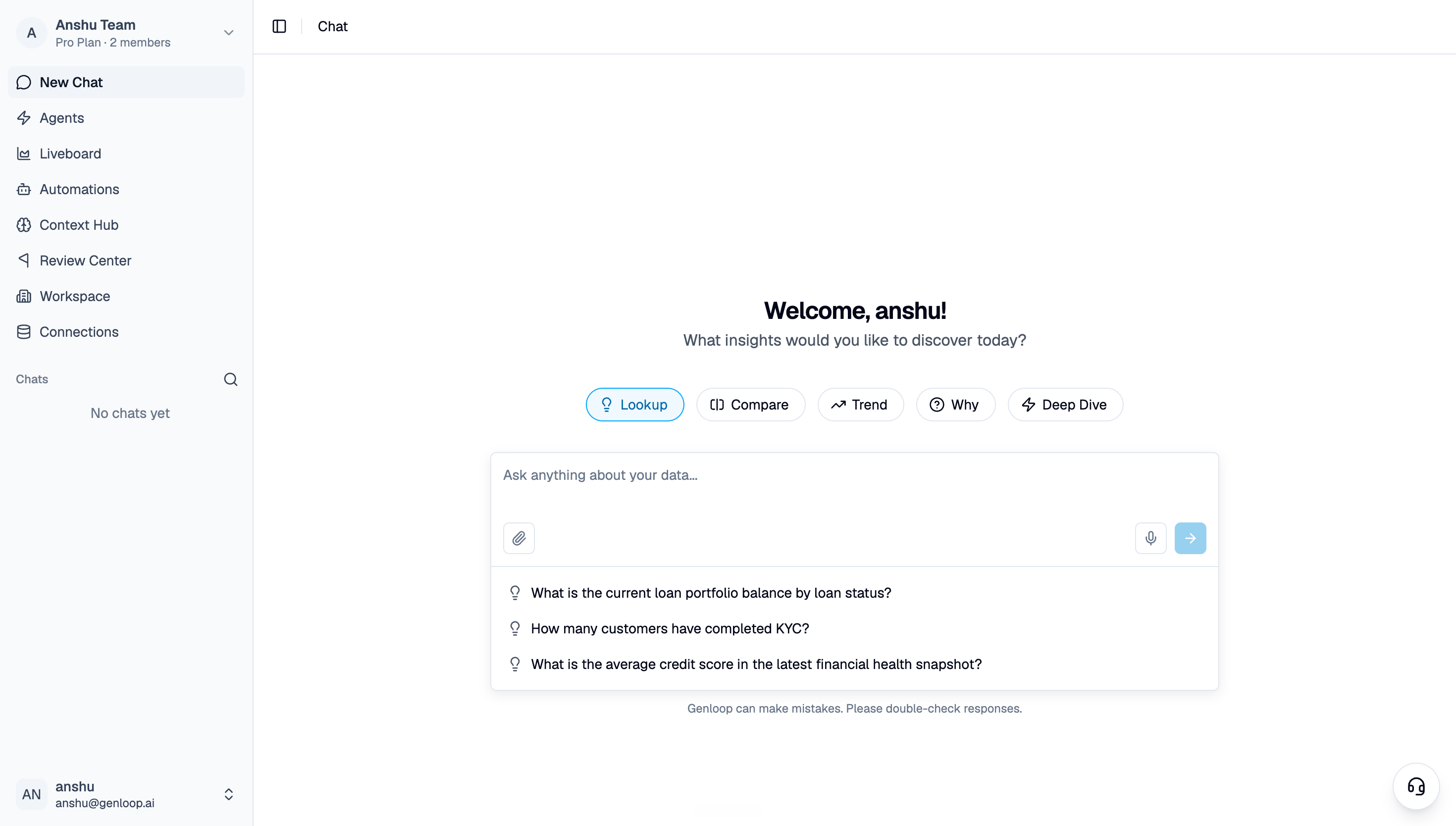
Start Chat
- “What were total sales last month?”
- “Which region had the highest return rate in Q1?”
- “Show me the top 10 customers by revenue this year.”
Read the reasoning
Every answer comes with its reasoning visible. Genloop shows you the tables it queried, the logic it applied, and how it reached the number.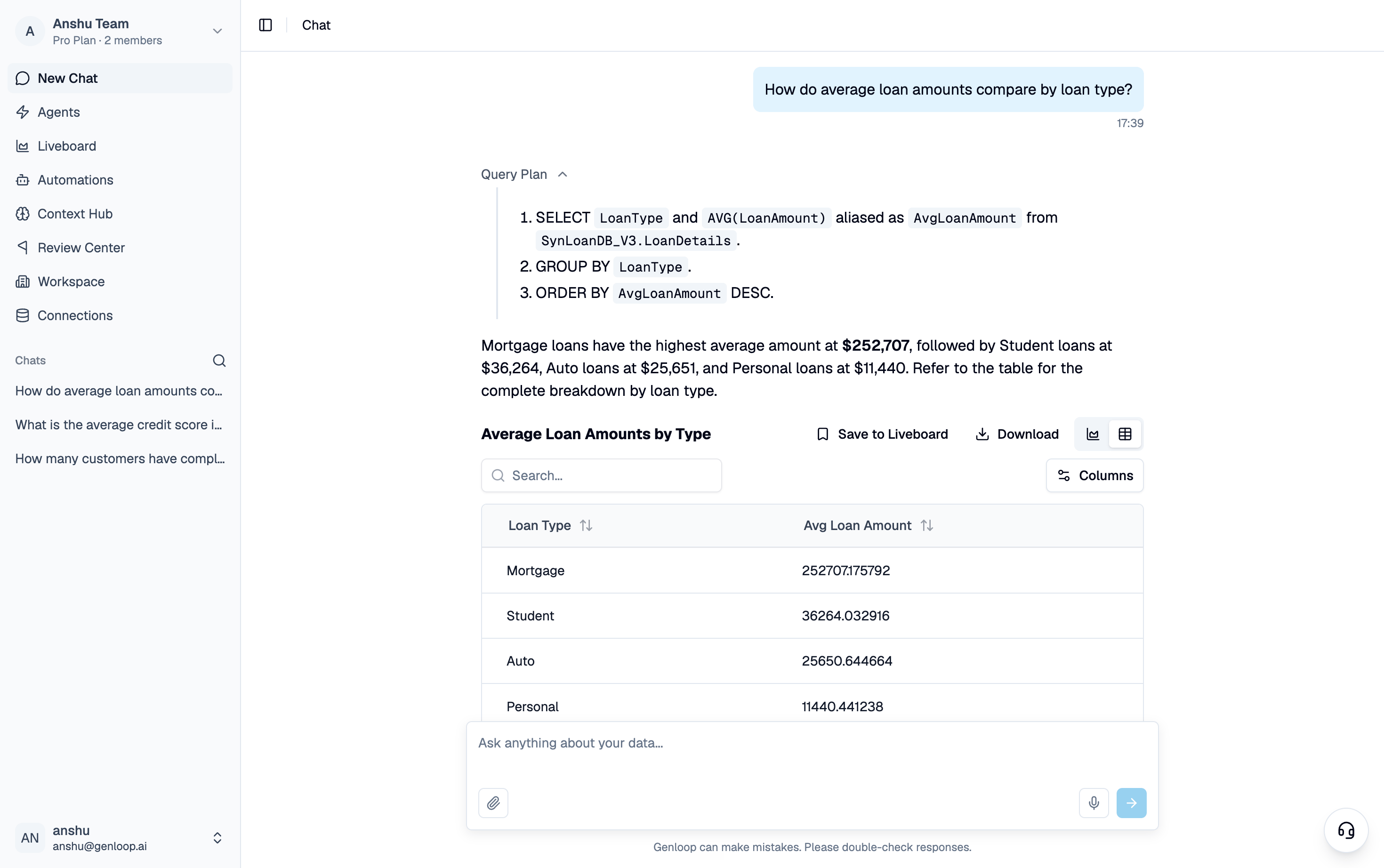
Answer with reasoning
Save what matters
Once you have an answer worth keeping, pin it to a Liveboard. Liveboards are your team’s shared view — living dashboards that update as your data does, built from the questions you actually asked.Where to go next
Chat — Ask your data
Follow-ups, deep dives, anomaly investigation — everything Chat can do.
Liveboards
Save answers and build shared views for your team.
Context Hub
Add business definitions and metric logic to sharpen your answers.
Invite your team
Bring in teammates and collaborate on the same data.