> ## Documentation Index
> Fetch the complete documentation index at: https://docs.genloop.ai/llms.txt
> Use this file to discover all available pages before exploring further.
# Quickstart
> Create your Genloop account, set up a workspace, and choose between exploring the demo dataset or connecting your own data, all in about ten minutes.
Genloop connects to your data, builds a working understanding of your business, and lets you and your team ask questions in plain English — no SQL required, no dashboards to build, no tickets to raise.
Getting started takes about 10 minutes. First, create your account at [app.genloop.ai](https://app.genloop.ai) using your work email.
Personal emails aren't supported. Genloop uses your work domain to group your team's workspaces automatically.
## Create your workspace
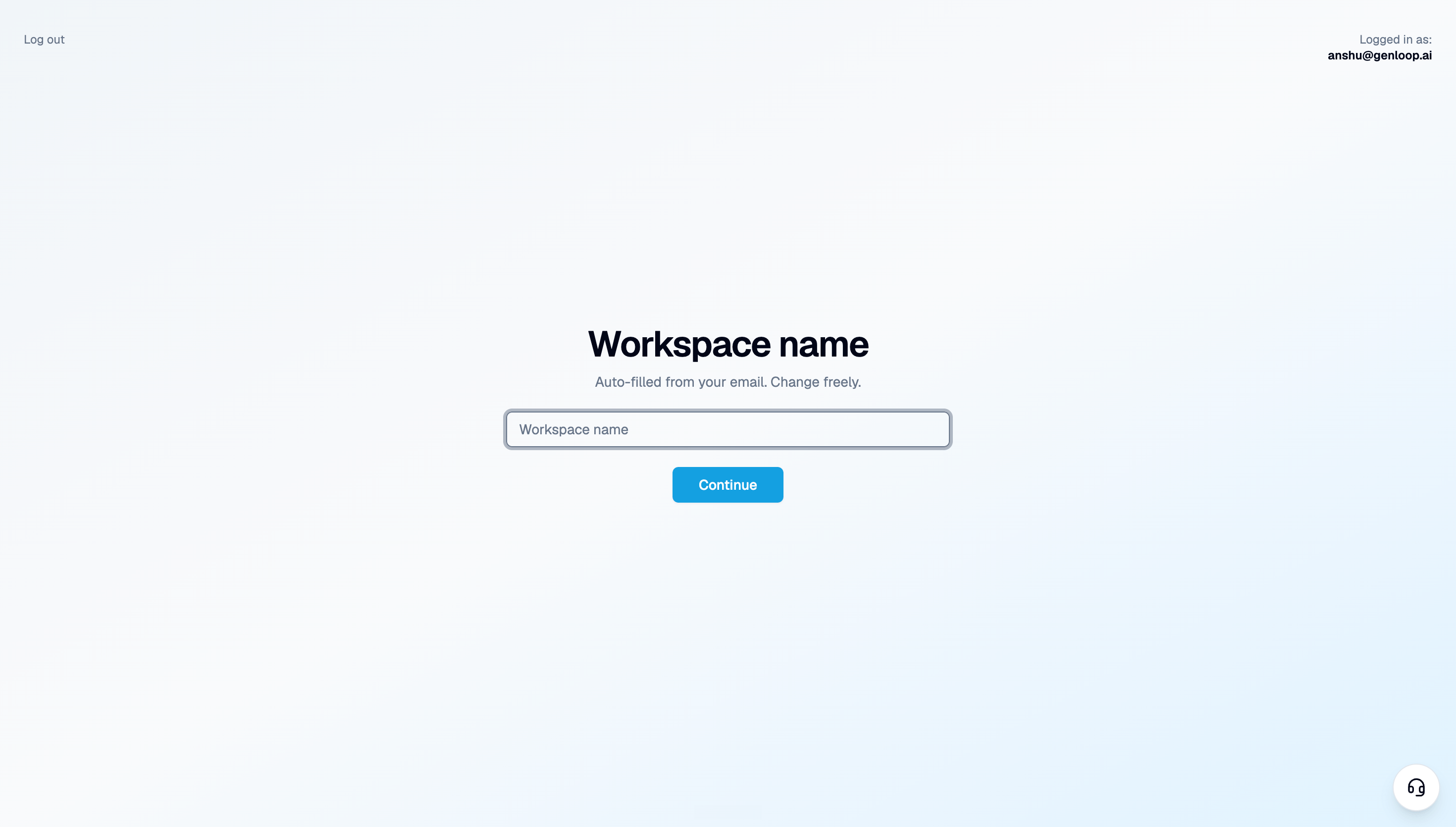
After signing up, Genloop asks you to name your workspace. This becomes your team's shared space — it holds your data connections, context, and chat history.
 ## Two workspaces, two purposes
Once you're in, you'll have access to two separate workspaces:
**Demo workspace** — preloaded and ready immediately. Every Genloop account comes with one. It's a permanent sandbox where you can explore the platform, test questions, and see how Genloop reasons — without touching your real data.
**Your workspace** — the one you just named. This is where you connect your actual data and start getting answers that matter to your business.
No setup needed. See Genloop in action on a preloaded dataset in under a minute.
Connect a database or upload a file. Genloop builds context on your data and your workspace is live.
## Two workspaces, two purposes
Once you're in, you'll have access to two separate workspaces:
**Demo workspace** — preloaded and ready immediately. Every Genloop account comes with one. It's a permanent sandbox where you can explore the platform, test questions, and see how Genloop reasons — without touching your real data.
**Your workspace** — the one you just named. This is where you connect your actual data and start getting answers that matter to your business.
No setup needed. See Genloop in action on a preloaded dataset in under a minute.
Connect a database or upload a file. Genloop builds context on your data and your workspace is live.